After a season or two of logging crops, harvests, and expenses, CropsBook™'s analytics features start to reveal patterns that are invisible in day-to-day farm management. This guide covers every report and analytics tool available in the app.
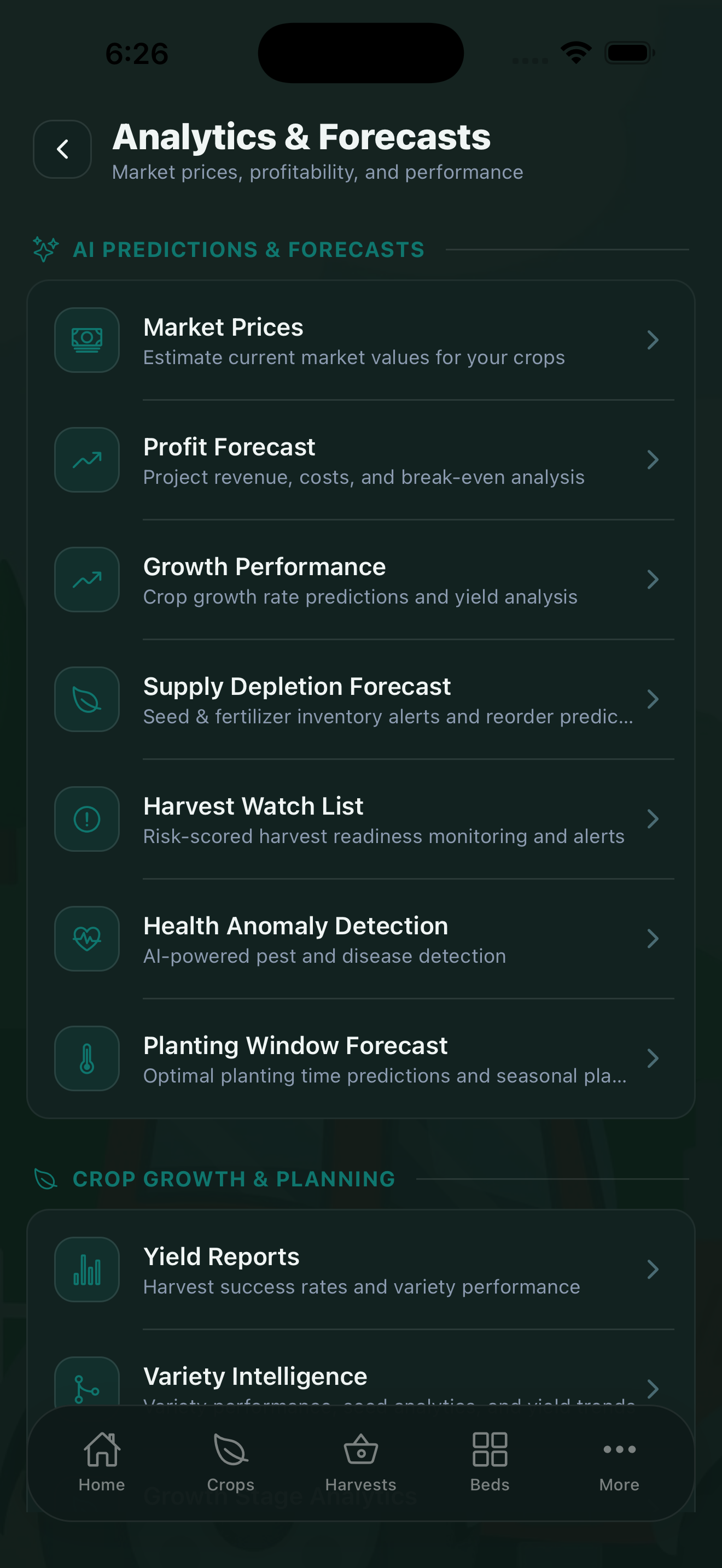
Harvest Analytics
Find this in More → Analytics & Reports → Harvest Analytics. This view breaks down your harvest records by crop, variety, bed, and time period. You can see: PREMIUM
- Total yield per crop across the season
- Yield distribution by quality grade
- Harvest volume by week or month (useful for spotting succession gaps)
- Best-performing varieties by yield per square foot
Profit Forecast
The Profit Forecast (More → Analytics & Reports) projects your revenue, costs, and break-even point for the season. It draws on your logged expenses, revenue records, and historical harvest data to estimate where your financials will end up by end-of-season. PREMIUM
Run a profit forecast at the start of each season to understand how many pounds of each crop you need to sell just to cover your inputs. This turns gut feelings into targets.
Yield Heat Map
The Yield Heat Map (More → Analytics & Reports) displays each of your garden beds as a color-coded grid — green for high-producing beds, red for underperformers. PRO
This is one of the most actionable visualizations in the app. It immediately shows you which beds need soil amendments, better irrigation, or a crop family change.
Season Comparison
Compare two or more growing seasons side by side in the Season Comparison view. PRO
Compare total yield, revenue, expenses, and net farm income across years. See at a glance whether your operation is improving, and filter by crop or bed to isolate what changed.
Tax & Deductions
The Tax & Deductions screen (More → Analytics & Reports) summarizes all your Schedule F expense categories for the year and calculates net farm income. PRO
Share this with your accountant or use it directly when preparing your IRS Schedule F filing.
Reports
The Reports section generates printable farm summaries including: PRO
- Season summary (crops planted, total yield, revenue)
- Profit & Loss statement
- Harvest log by crop or bed
- Input usage summary (for organic certification)
Documents & Certifications
Store farm documents — organic certification paperwork, GAP audit records, food safety plans, and other regulatory files — in More → Documents. The AI Document Scanner can scan physical documents and store them digitally.
Certifications (organic, GAP, and others) have their own section in More → Farm Management → Certifications. PRO
Exporting Data
Export any of your farm data as CSV files from More → Analytics & Reports → Export Data. PRO
You can export crops, harvests, expenses, revenue, and input logs. CSV exports open in Excel, Numbers, or any spreadsheet app. PDF exports of reports can be shared directly to your accountant, lender, or certification body.
CropsBook™ is Available on the App Store
CropsBook™ is available on the App Store for iPhone, iPad, and Mac.
Download on the App Store