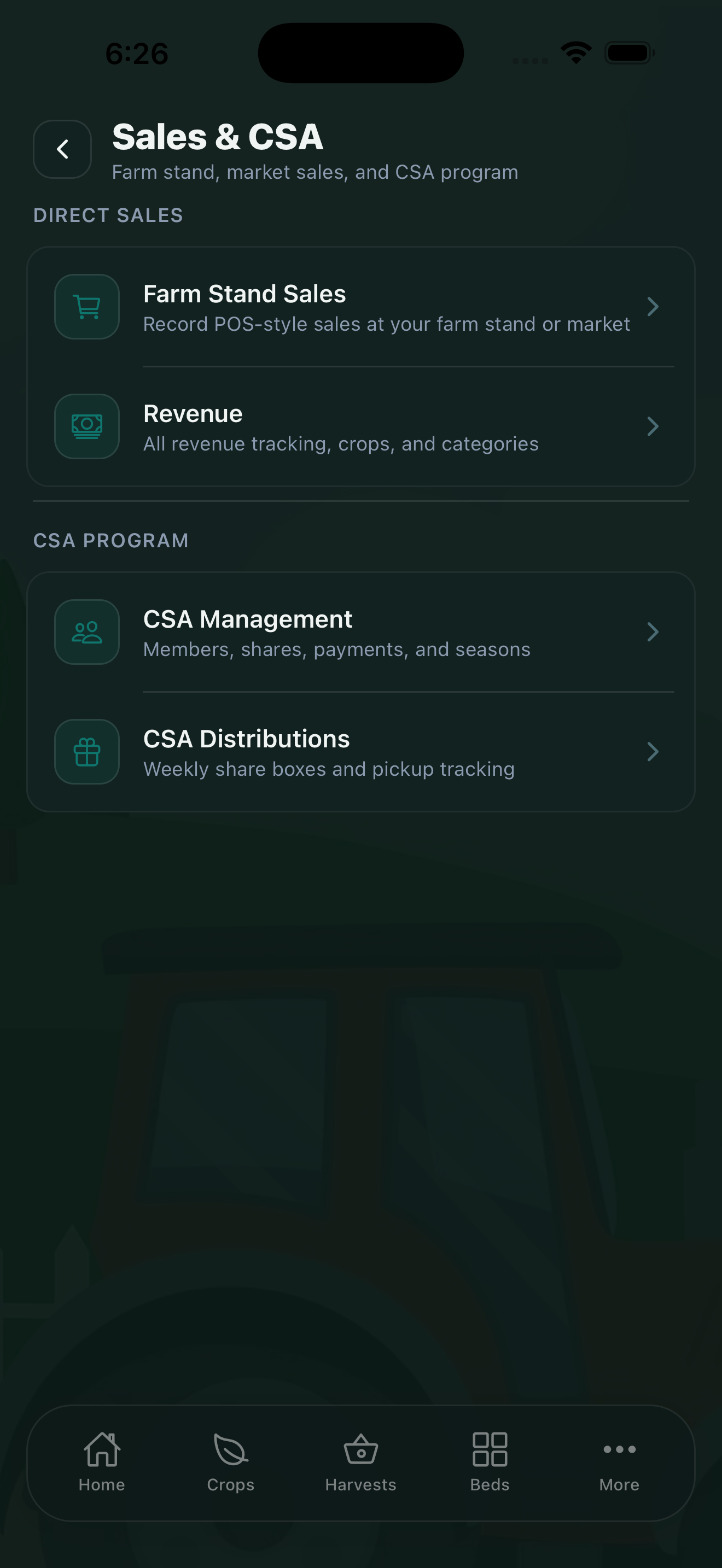
Whether you sell at a farm stand, run a farmers market booth, or manage a CSA program, CropsBook™'s Sales & CSA Hub gives you the tools to track every transaction, manage your members, and plan your weekly distributions. Access all these features from More → Sales & CSA.
Farm Stand Sales
The Farm Stand Sales feature is a point-of-sale system built for direct farm sales. Use it at your farm stand, farmers market booth, or roadside stand. It lets you:
- Add the products you're selling with prices per unit or per pound.
- Record each sale transaction quickly — tap the item, enter the quantity, and confirm.
- Track daily, weekly, and seasonal sales totals.
- Log which crops were sold and in what quantities — connecting sales directly back to your harvest records.
Running Farm Stand Sales at the market gives you accurate revenue data per market day. Over a season, you'll see clearly which weeks and which crops are your biggest earners.
CSA Management
If you run a Community Supported Agriculture (CSA) program, the CSA Management feature helps you manage members and shares. Record:
- Member information — name, contact details, and pickup preferences.
- Share types — full share, half share, or custom configurations.
- Season length and payment status — track which members have paid and which are outstanding.
- Start and end dates for the CSA season.
CSA Distributions
Each week, use CSA Distributions to plan what goes in each share box. This screen lets you:
- Build a box plan from what's ready to harvest in your Crops and Harvests data.
- Create packing lists for your team to follow on distribution day.
- Record what was included in each week's box.
- Track quantities needed versus what you have available.
Planning distributions through CropsBook creates a record linking your harvests to your CSA members — useful for calculating the true value of each share and for per-crop profitability analysis.
Connecting Sales to Revenue
Sales recorded in Farm Stand Sales and CSA Distributions flow through to your Revenue tracking (More → Operations → Revenue). This means you have a complete picture of income that connects back to specific crops and harvests.
Learn more about tracking the financial side of your operation in the Expenses & Revenue guide.
CropsBook™ is Available on the App Store
CropsBook™ is available on the App Store for iPhone, iPad, and Mac.
Download on the App Store